Creator Starter
For solo creators starting with replay-to-Shorts
$24.99 / month
7-day trial
- 1 short per day
- 1 connected social platform
- Capture and trim clips
- Auto captions (classic styles)
- Calendar review before publishing
For game & stream highlights
One Short. Four destinations.
Schedule up to 240 Shorts posts monthly
THE FLOW
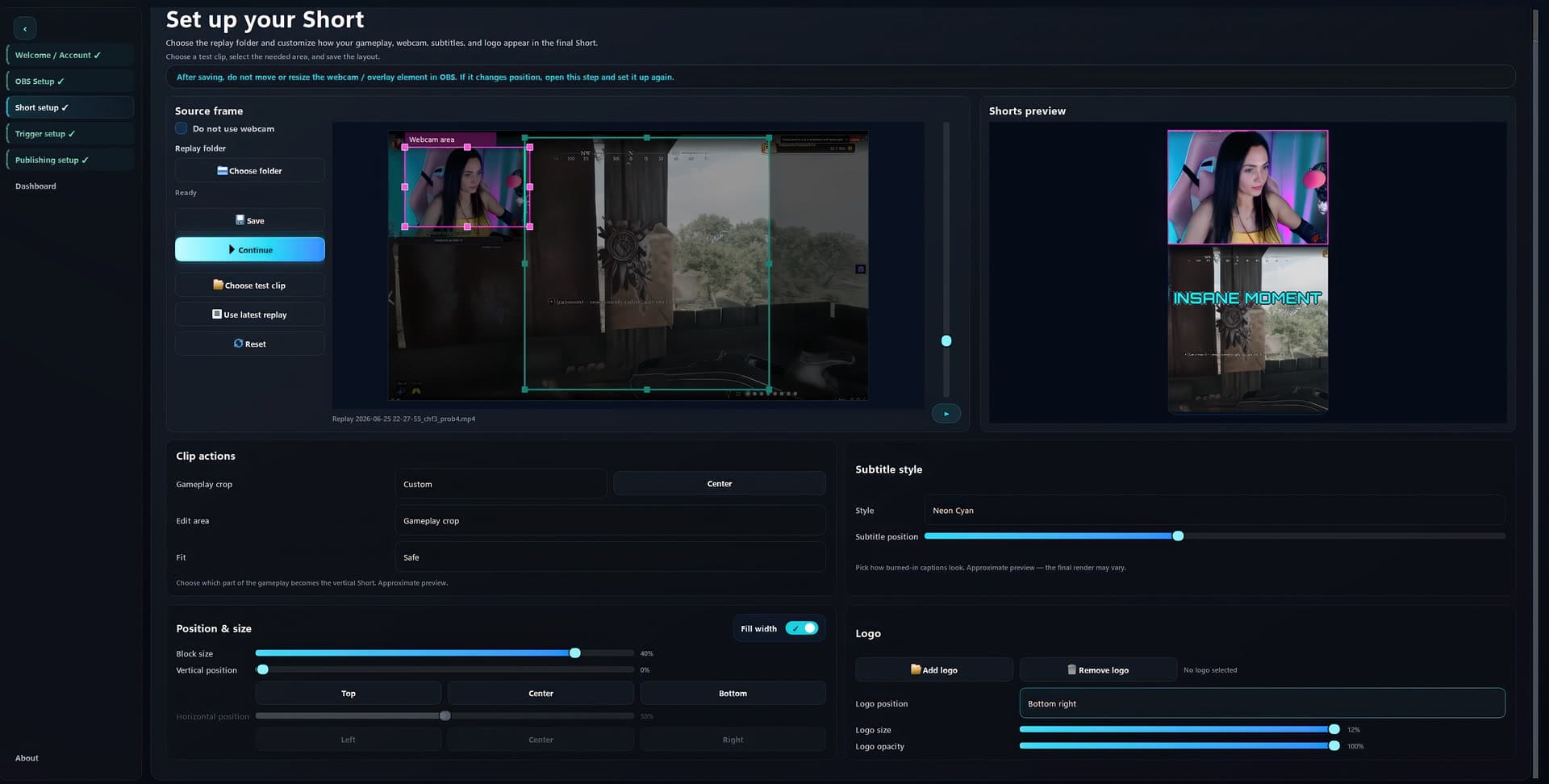
01TRIGGER SETUP
Trigger with a hotkey or voice command while you keep creating.
Clador Forge detects each replay saved by Replay Buffer.
Preview, trim, edit, or cancel in Calendar before processing.
Clador Forge readies TikTok, Instagram Reels, YouTube Shorts, and Facebook Reels.
PRODUCT PROOF
Final Short 1 of 6: Final vertical gaming Short showing a streamer making a heart gesture above a game reward screen with the caption Thank you, Clip It
CAPABILITIES
Caption and Shorts SEO languages
Review captions and metadata before publishing.
PRICING
For solo creators starting with replay-to-Shorts
$24.99 / month
7-day trial
Most popular
For creators publishing Shorts across platforms
$99.99 / month
7-day trial
Everything in Creator Starter, plus
FAQ
Yes. Clador Forge serves OBS creators through OBS Replay Buffer.
Clador Forge prepares each clip; review, edit, schedule, or cancel before publishing.
Preview, trim, edit, or cancel each Calendar clip before processing.
TikTok, Instagram Reels, YouTube Shorts, and Facebook Reels.
Clador Forge does not guarantee views, income, monetization, or platform approval.
Clador Forge: paid, 7-day trial; price before checkout, charge only with clear consent.
Create a Clador Forge account, verify email, and start the 7-day trial.
Your Clador Forge account shows access, subscription, and connection status.
THE FORGE
Capture, review, and schedule without hunting later.